Report-only
Run an agent behind Xokepoint without blocking its calls, see what its policy would deny, and enforce it when the policy is right.
An agent already in use has calls nobody wrote down. Put it behind Xokepoint with a policy written from memory and the first tool left out, or the first rule that is too strict, stops a person in the middle of their work. In Report-only, Xokepoint evaluates the policy as usual and records each call it denies as Would deny, without blocking it. You read those calls, fix the grants and rules, and switch the agent to Enforce when nothing unexpected is left.
Report-only is part of the Startup and Pro plans.
In the video: the Report-only banner of Production, View report, a would-deny call of issues-manager in the decision inspector, and its revision history, with the mode change.
What Report-only changes, and what it keeps
Report-only changes one thing: a deny of the agent's own policy does not block. That covers a tool without a grant, a value outside the allowed values of the agent and a call rule that is false, including the limits of an agent instance and a rule on the token binding. The call reaches the MCP server, the caller gets the normal result and no reference code, and the call is recorded as Would deny, with its reason and path.
Everything that proves who is calling stays enforced in both modes:
- a valid Xokepoint token, and an enabled identity connection;
- a reviewed tool and a call that matches its schema;
- the kill switch, and a deleted agent;
- delegation: without a delegation there is no token, so the call never starts;
- every evaluation error, such as OpenFGA or an attribute source that does not answer.
The tool list stays the same in both modes: the agent sees only the tools it has a grant for. A tool missing from the policy therefore does not show up as Would deny, because the agent never sees it and never calls it. Only a client that calls the tool anyway, for example from its own configuration, runs it and leaves a Would deny. Report-only reveals the resources left out and the rules that deny too much; a forgotten tool turns up only when you compare the tools of the agent with the work it does.
The mode belongs to the agent, not to the permission document. Switching it publishes nothing and applies at the next call, also for a token that is still valid.
Switch an agent to Report-only
Report-only, in the agent header, opens the dialog. It repeats what stays enforced and, in Production, warns that the agent is not protected by its policy until it returns to Enforce.
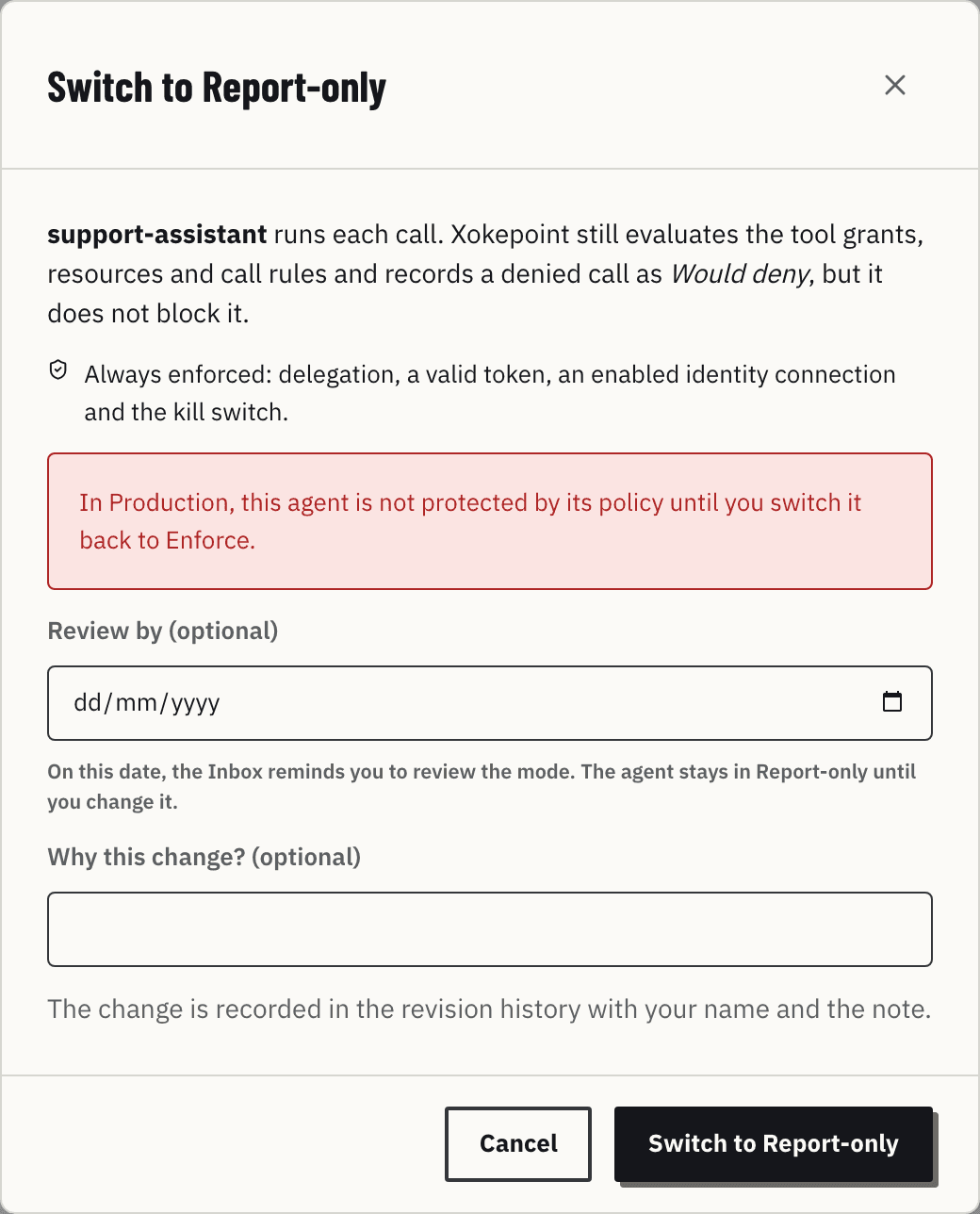
Two fields are optional. Review by sets the day you want to look at the mode again. Why this change? is the note that the revision history keeps with your name.
The agent in Report-only
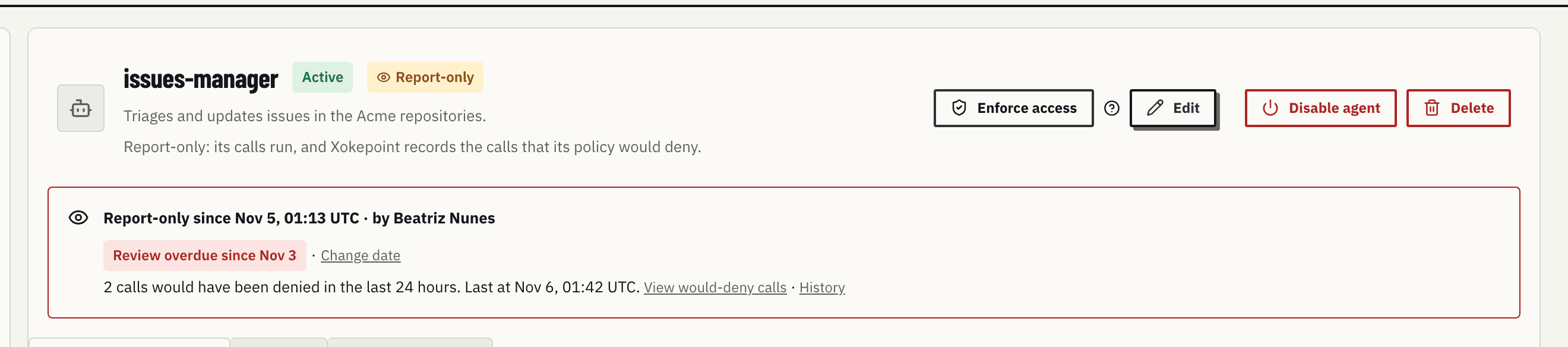
The agent shows a Report-only chip in the list and in its header, and a notice under the header: since when and by whom, the review date, and how many calls would have been denied in the last 24 hours. View would-deny calls opens them in Investigate; History opens the revision history on the mode change.
The review date
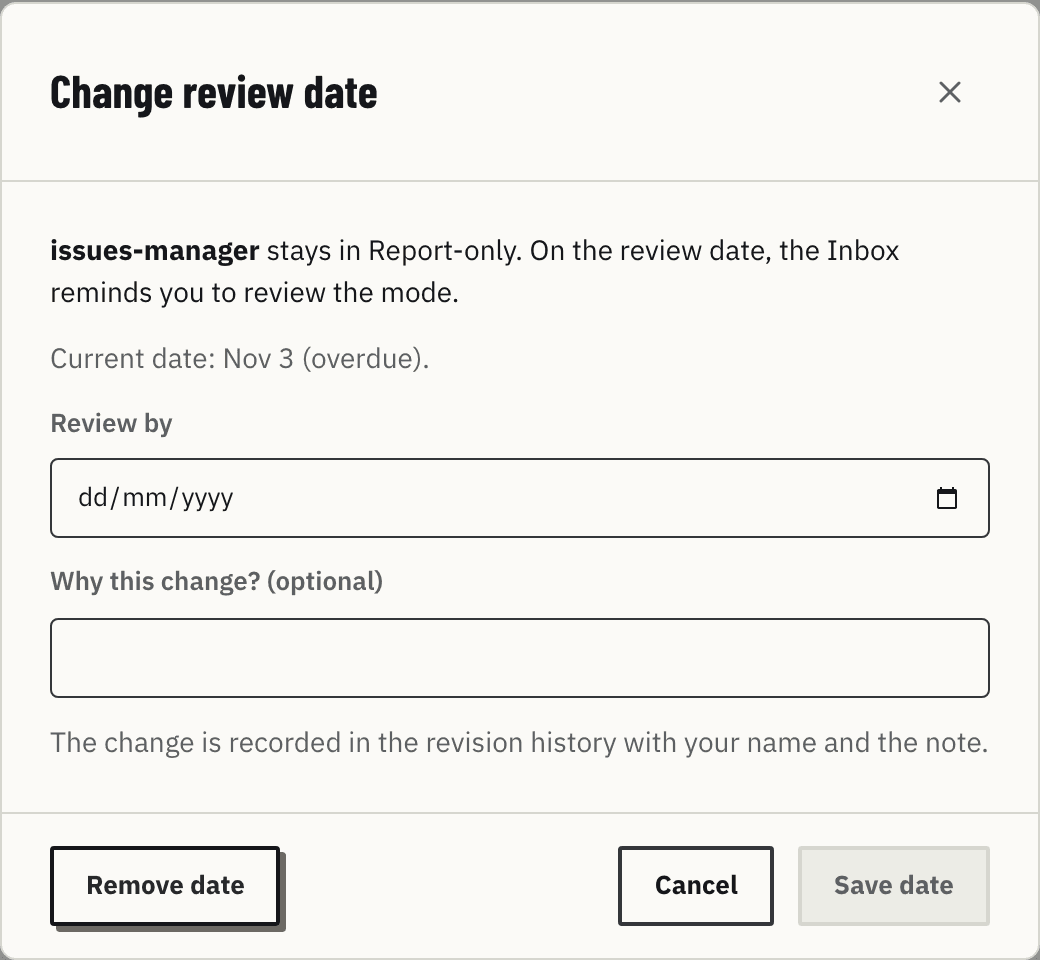
The review date only reminds. When it passes, the agent shows Review overdue and the Inbox raises Review due; the agent stays in Report-only until someone changes it. Change date sets another day or removes the date. A new date, or switching to Enforce, resolves the reminder of the old one.
The banner
While an environment has an agent in Report-only, every screen of the Admin shows a banner with the count of would-deny calls of the last 24 hours. In Production it has a dark border, so nobody forgets that a policy does not block there. View report opens the would-deny calls in Investigate. The close button hides the banner for this browser session; it comes back at the next sign-in. When no call would have been denied for 7 days, the banner turns green and points to the agents that are ready to enforce.

Where the would-deny calls appear
- Investigate filters them with Would deny, and the decision inspector shows the step of the policy that would have stopped each one.
- The Inbox raises Would deny for each agent, tool and reason in a closed hour.
- The Overview counts them in the calls of the day and in a Report-only metric.
They never count as denials: Denied today, the problems of Investigate and the Requests denied items keep only the calls that were blocked.
Enforce the policy
Enforce access, in the header of an agent in Report-only, opens a dialog with the would-deny count of the last 24 hours. After the change, those same calls fail with an access denied error and a reference code. Each switch, in either direction, is an event in the revision history.