Create an agent
Register an agent in the environment, edit its name and description, and what a new agent cannot do yet.
Each agent that calls tools through Xokepoint has its own record. The record is an identity, not a group of users: everything the agent can do comes from the relations published for it and from who delegates to it (Agents).
Agents are in Access › Permissions. The list on the left shows the agents of the environment, with search, and the arrow button collapses the list into a column of icons to give room to the editor.
New agent
New agent opens the creation dialog:
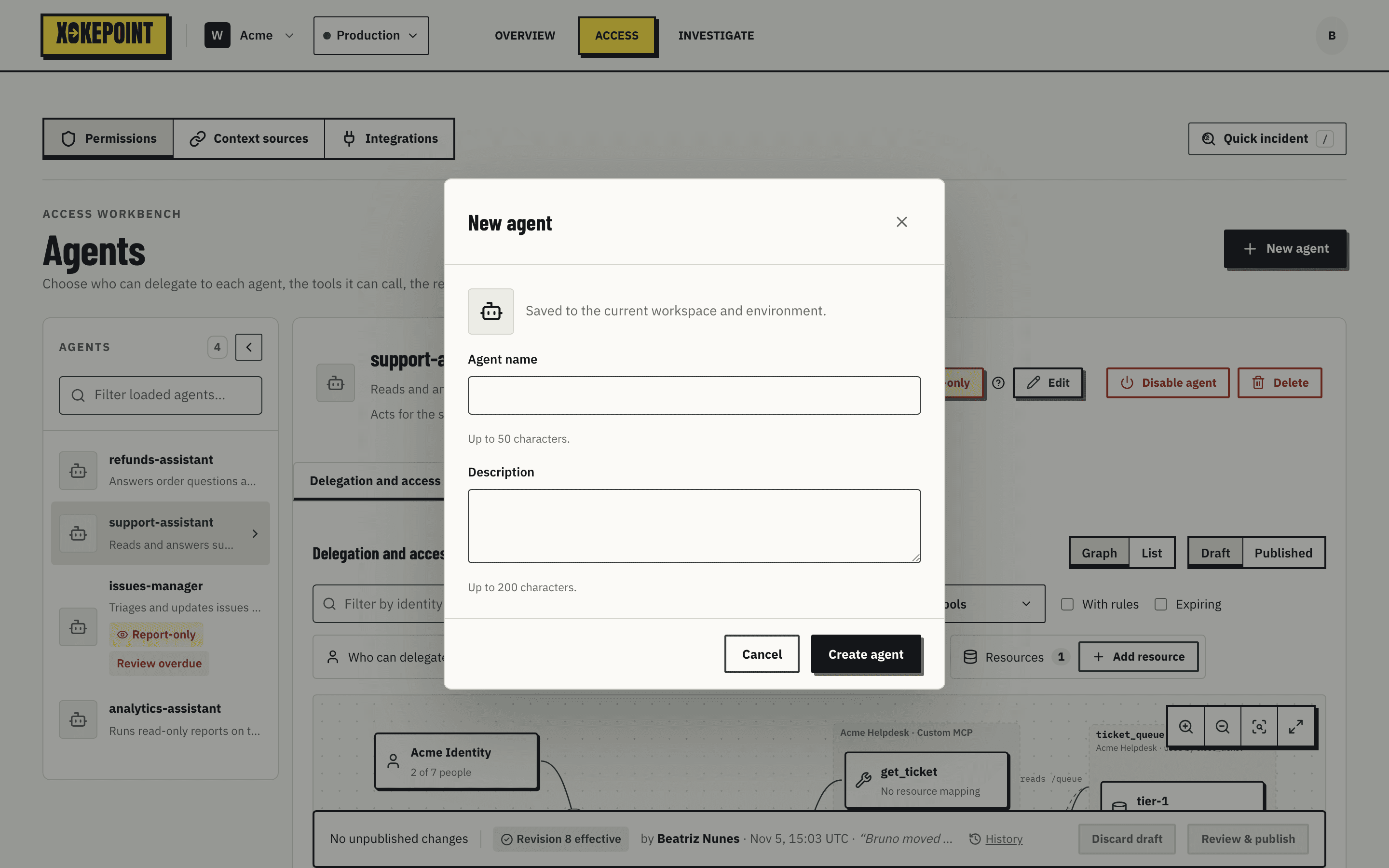
| Field | Purpose |
|---|---|
| Agent name | The name shown in decisions, in the Inbox, in Investigate and in the act claim of tokens. Up to 50 characters. Use a name that says what it does, such as issues-manager. |
| Description | One sentence about what the agent does, up to 200 characters. Shown in the list and in the agent header. |
| Icon | Chosen in the square on the left of the dialog; helps recognize the agent in the list. You can also upload an image. |
The agent is created in the workspace and environment selected at the top. A Sandbox agent does not exist in Production.
Edit
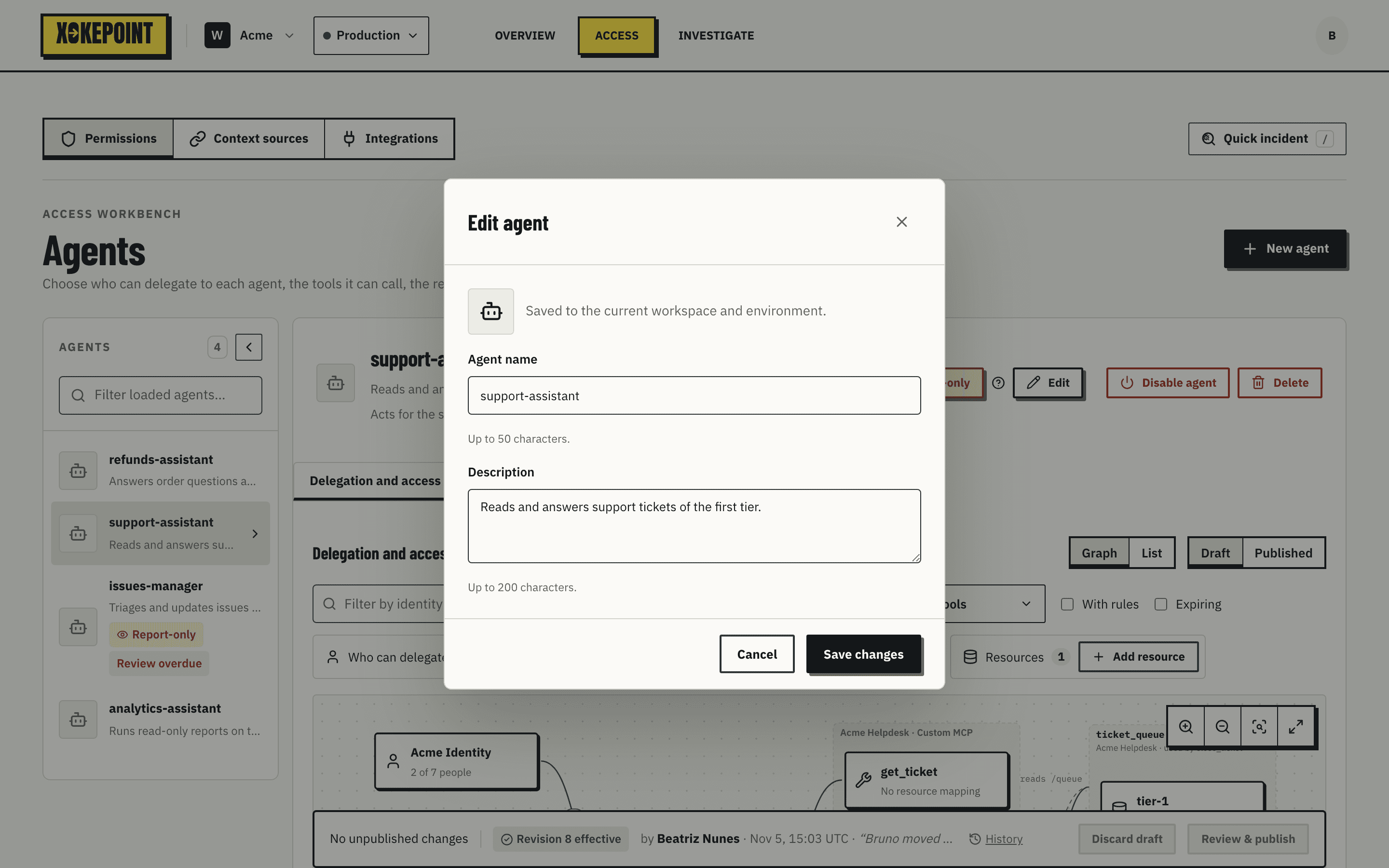
Edit, in the agent header, opens the same dialog with the current values. Renaming does not change the agent identifier, so past decisions stay linked to it.
Delete asks for confirmation, then removes the agent. Before that, Xokepoint deletes all of its relations, so no call goes through after removal. The revision history and the recorded calls of the agent are kept.
What is missing after creation
A newly created agent can do nothing. Three things are missing, and each has its page:
- A key, so the agent proves who it is in the token exchange (Agent identity).
- Who can delegate, so the agent has someone to act for (Who can delegate).
- Tools and rules, to say what it can do for those people (Tools, Rules).
Before configuring, read The fine-grained model, which explains why the configuration has these parts.