Inbox
The signals that need attention, signal types, filters and how to review and investigate each.
The Inbox gathers what the administrator needs to look at. A signal summarizes a pattern, not an isolated event: "the list_issues tool repeatedly denied issues-manager in this hour" instead of five identical rows.
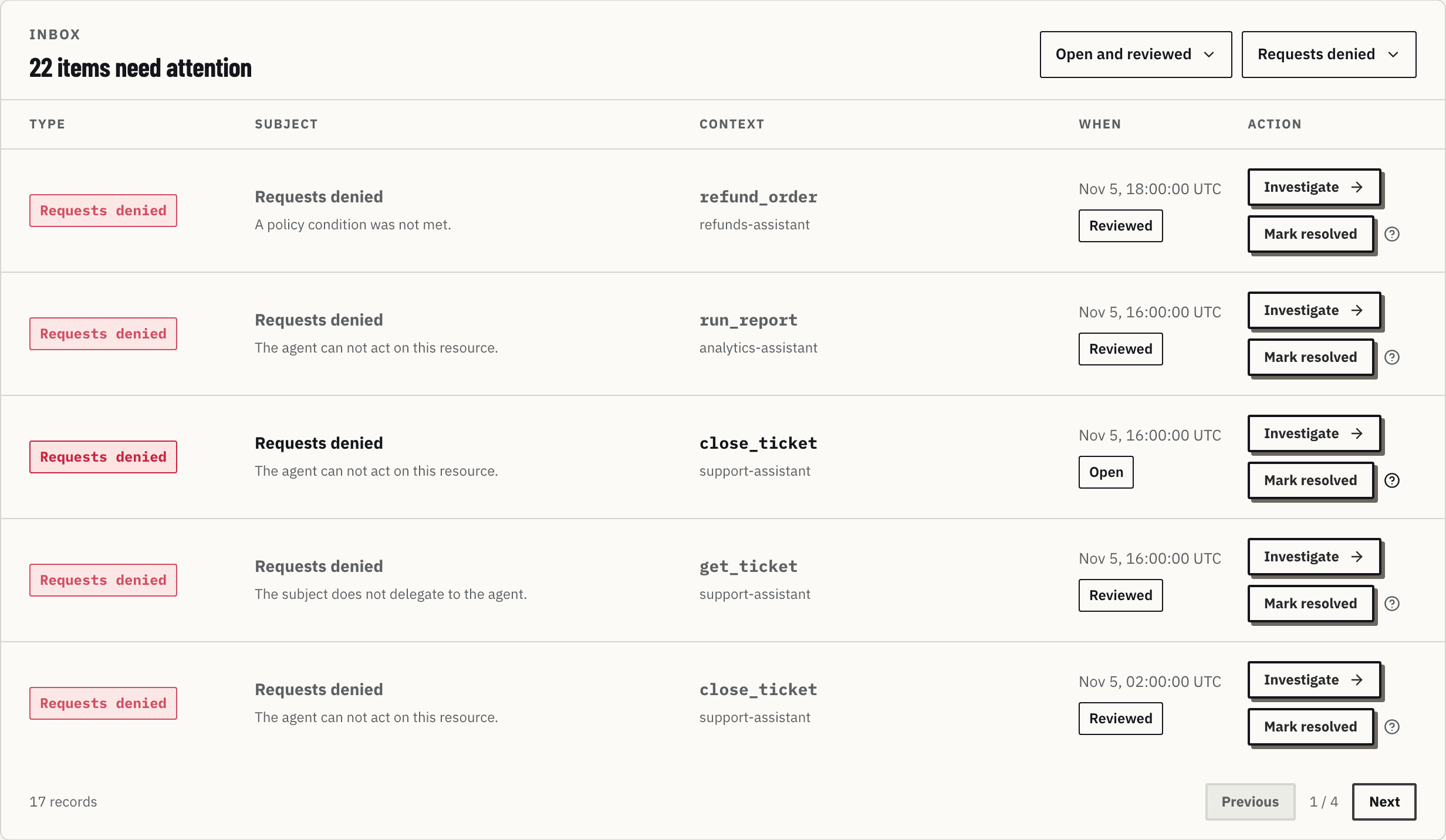
The columns
| Column | What it shows |
|---|---|
| Type | The signal type, such as Requests denied |
| Subject | The summary and the reason: "Requests denied · No grant allows this call." or "A policy condition was not met." |
| Context | The tool and the agent involved, by name. The agent ID shows only when the agent no longer exists |
| When | The signal time window, in UTC, and its state: Open, Reviewed or Resolved |
| Action | Investigate (or the place the signal points to) and, under it, Mark resolved |
Signal types
| Signal | When it appears | What it usually means |
|---|---|---|
| Requests denied | Denials of one tool, by one agent, in a closed hour | An agent trying something the policy does not allow, or a policy that became too narrow |
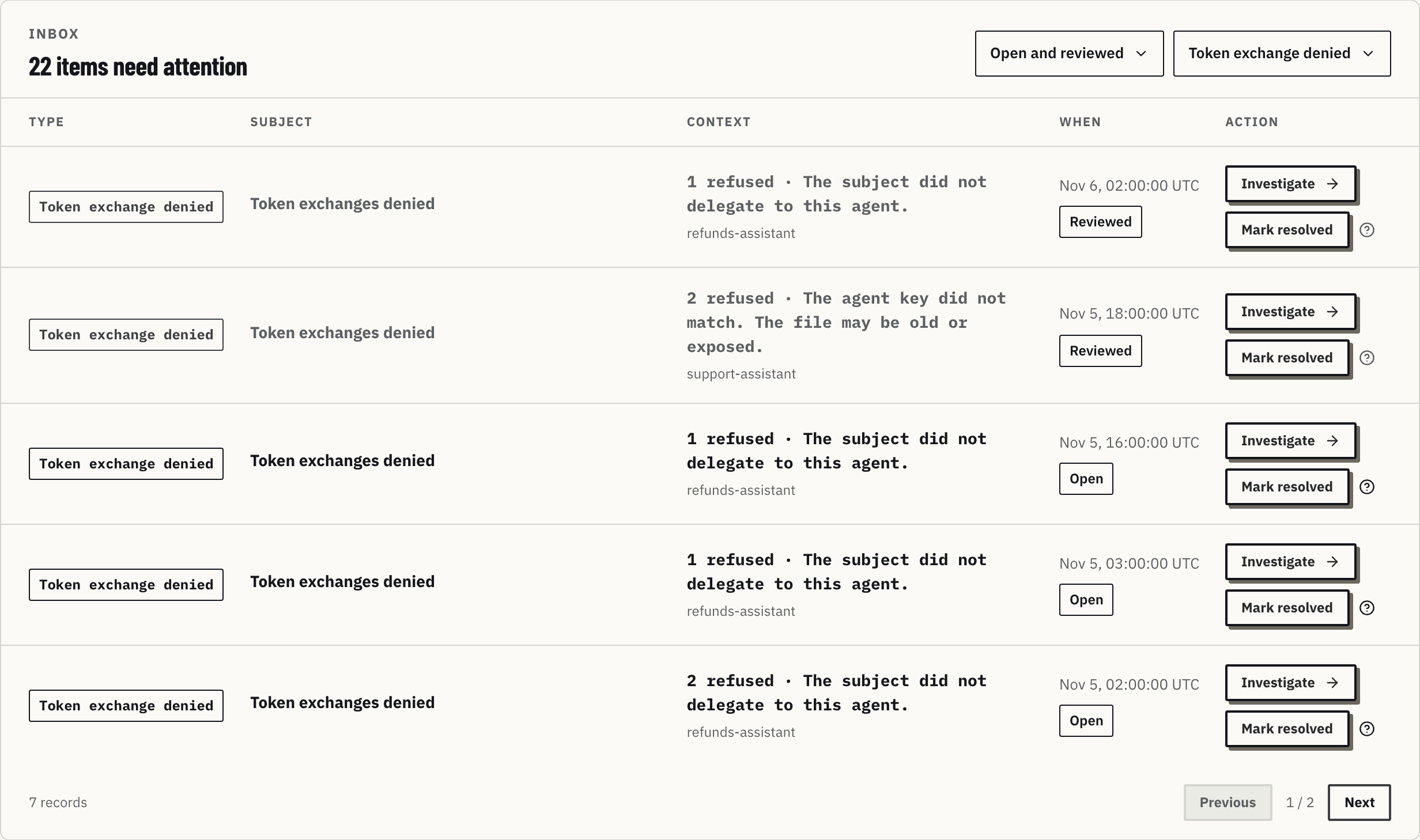
| Token exchange denied | Refused token exchanges of one agent, by reason, in an hour | Someone offboarded in the IdP, a wrong agent key or a missing delegation |
| Tool discovery | The server changed: new, changed or removed tool | A tool waiting for review |
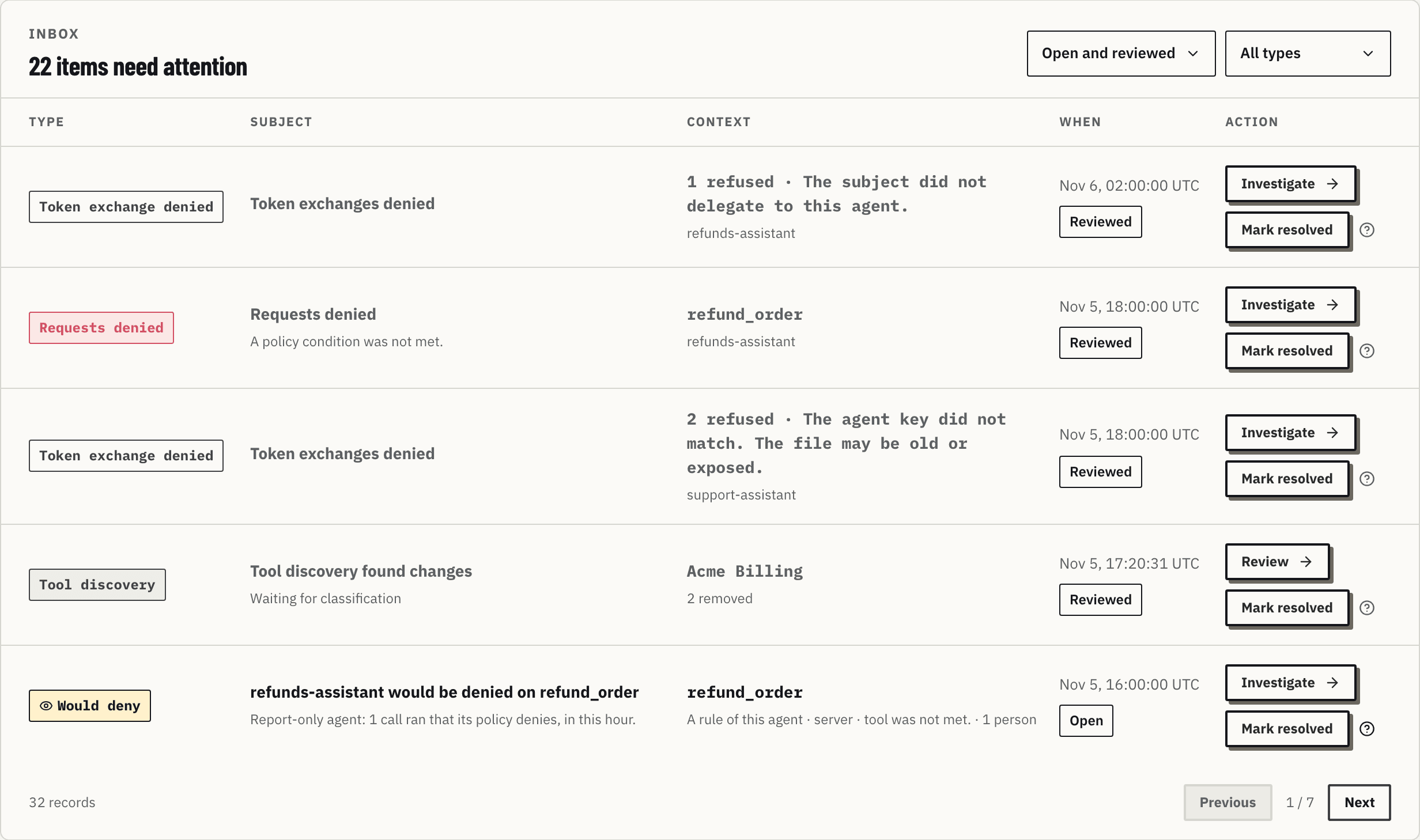
| Would deny | Calls of one tool, by one agent in Report-only, that its policy denies, by reason, in a closed hour | A grant or a rule to fix before the agent is enforced. The calls ran |
| Review due | The review date of an agent in Report-only passed | Time to enforce the agent or set a new date. Review opens the agent |
The two Report-only types carry an eye and the Report-only colors; Would deny is dashed. Neither is a denial, and neither counts in Requests denied:
Token exchange signals look like this, each with the reason, the agent and, for an expired or invalid subject token with a valid signature, the subject: "for Alice Silva" when the identity directory names them, otherwise the raw subject of the provider:
Filters and review
- Open and reviewed, Open, Reviewed, Resolved and All statuses filter by state.
- All types filters by signal type.
- The list shows 5 signals per page, with Previous and Next.
Investigate opens Investigate filtered on the signal's pattern, and the signal becomes Reviewed: someone looked at it, and it leaves the "items need you" count. Opening the same problem from Investigate, by any path, also makes it Reviewed.
Mark resolved, in the row or in the decision inspector, closes the signal in one click, with no confirmation. A resolved signal leaves the list of open and reviewed signals and stays under Resolved. Resolving records the administrator's call; it does not check that later calls pass. Moving between pages never asks about the signal.