Vendor servers
Connect MCP servers of platforms such as GitHub, configure the vendor's OAuth app and authorize the account.
A vendor MCP server is maintained by another company and does not know Xokepoint. Xokepoint calls it with a credential of the vendor itself, obtained through OAuth when the administrator connects the platform. The agent token never goes to the vendor (Upstream authentication).
Vendor servers are in Access › Integrations › Enterprise MCPs:
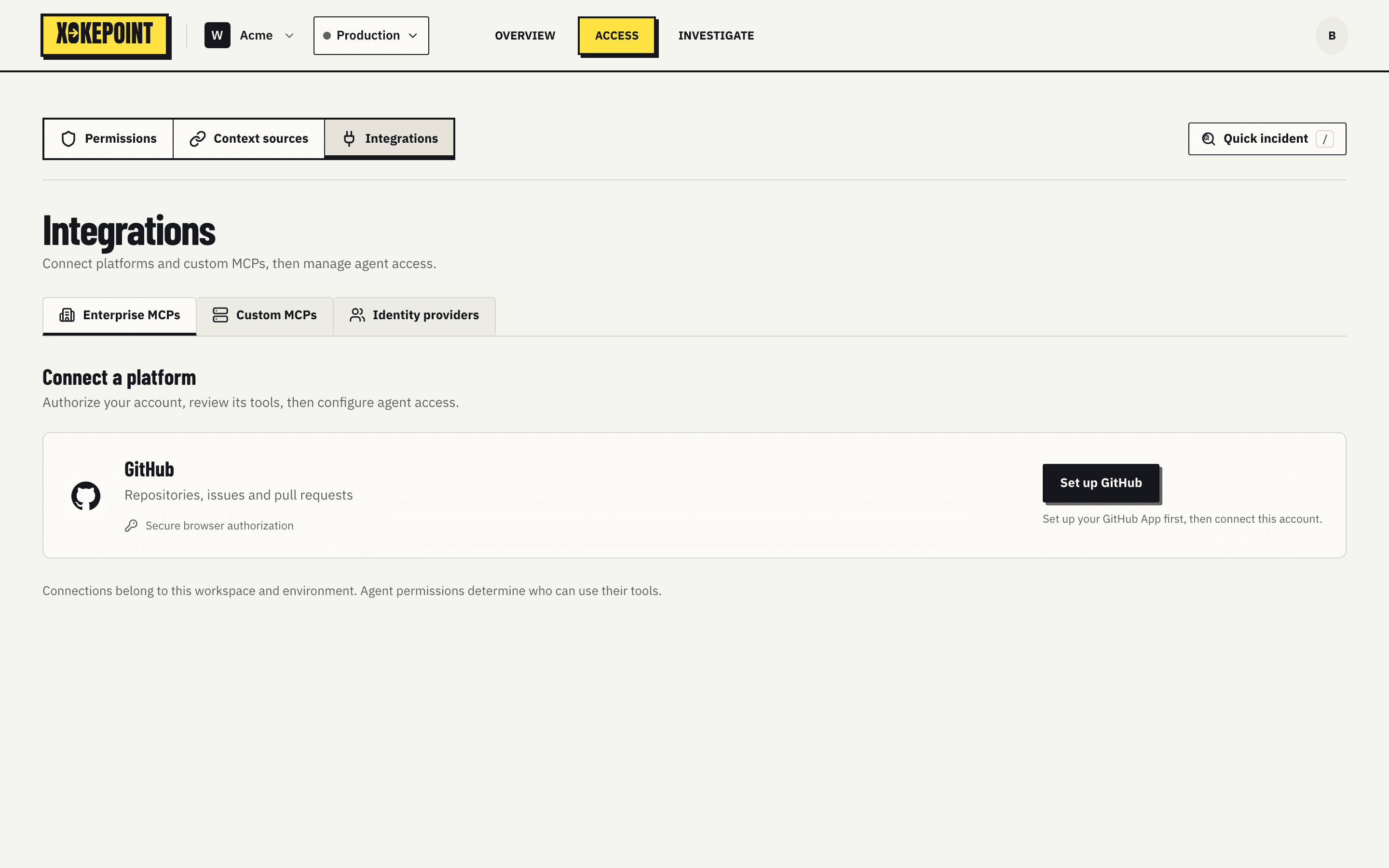
Each platform appears in a card with what it offers ("Repositories, issues and pull requests") and the authorization mode ("Secure browser authorization").
Configure the vendor app
Configure GitHub opens the configuration of the OAuth app Xokepoint uses to talk to GitHub on behalf of the customer:
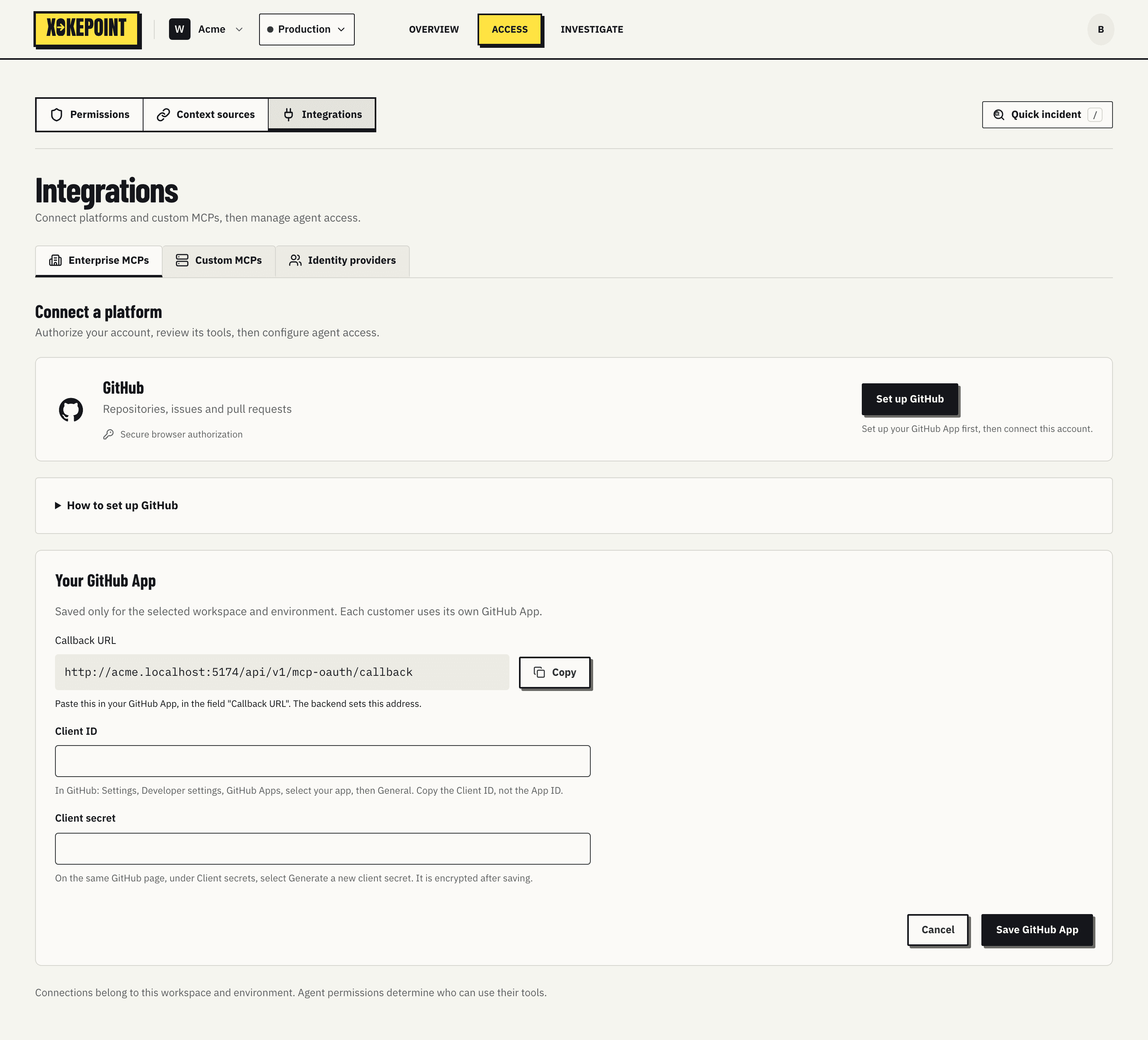
How to set up GitHub explains how to create the app on GitHub. Your GitHub App takes the app's Client ID and Client secret. The configuration is saved only for the selected workspace and environment: each customer uses its own app. Replacing the credentials needs both together, and existing connections may need to authorize again when their tokens expire. The secret is stored encrypted and never displayed again.
Connect the account
Connect GitHub opens the authorization in the browser. The administrator signs in to GitHub, authorizes the app and returns to the Admin. Xokepoint discovers the server's tools and shows the review: no tool is available to agents before review.